


Server-Side Google Tag Manager: When and Why to Use It
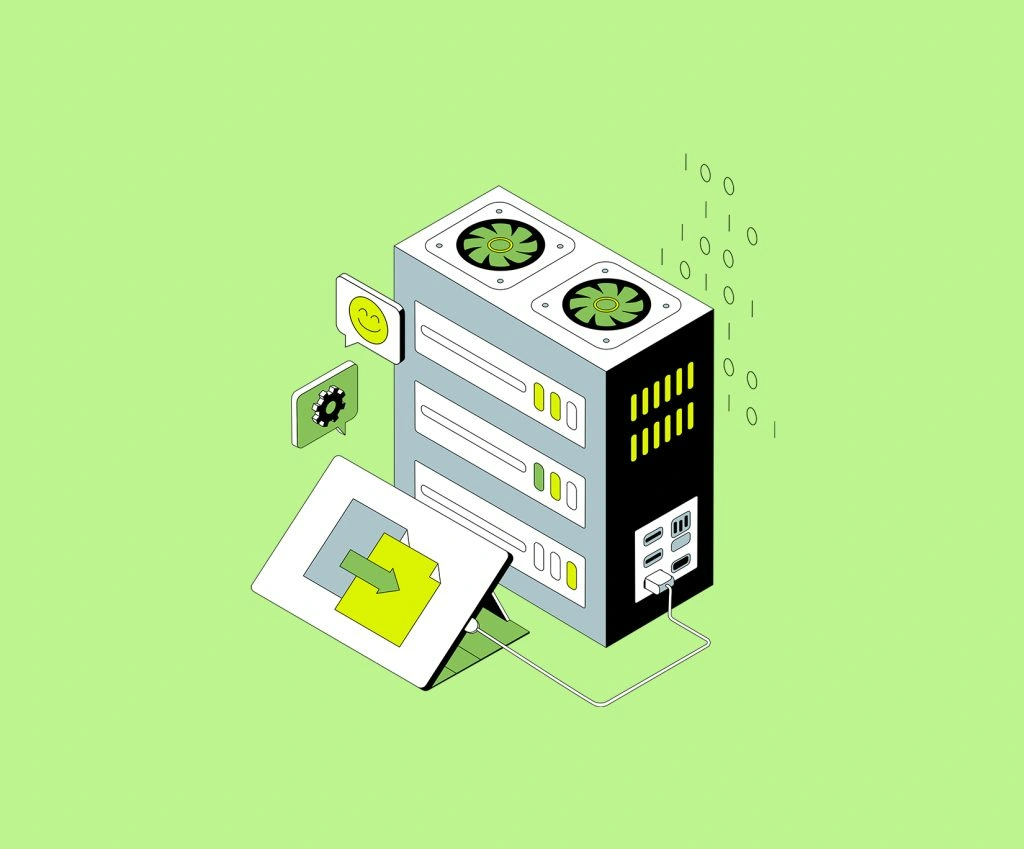
If the phrase What is the server-side Google Tag Manager sounds a bit technical, think of it this way: instead of letting a visitor’s browser send tracking data straight to tools like Google Analytics or ad platforms, the data first goes to a server that is controlled by the business, and then gets forwarded where it needs to go. Google describes server-side tagging as a way to measure user activity with server containers that still use tags, triggers, and variables, while helping improve performance, privacy controls, and data quality.
That simple change is the reason so many marketers and site owners are paying attention to server-side Google Tag Manager. In a traditional setup, the browser loads multiple scripts, and each one can make its own requests to third-party platforms.
In a server-side model, the browser can send fewer requests to a tagging server first, giving the business more control over what happens next. That basic flow is also why people start looking into server-side tracking, Google Tag Manager, when they want cleaner data and more control over vendor sharing.

How server-side Google Tag Manager works
Here is the easy version. In normal web tracking, a website visitor lands on a page, the browser loads your tags, and those tags send data directly to different vendors. With server-side tagging, the browser sends data to your tagging server, and that server decides what to pass along.
This is where server-side Google Tag Manager starts making practical sense. Instead of every tool collecting whatever it can from the browser, there is a middle step in which incoming data can be cleaned, transformed, enriched, or filtered before it reaches other platforms.
When Should It Actually Be Used?
Not every website needs it. A small brochure site with simple analytics may be perfectly fine with regular browser-based tagging. But things change when a business has heavy ad spend, stricter privacy requirements, multiple marketing platforms, or a real need for more reliable measurement. That is where server-side Google Tag Manager setup becomes worth the effort.
A good use case is when tracking has become messy. Maybe too many pixels are firing in the browser. Maybe the site is relying on different vendors, each collecting overlapping data. Maybe reporting is inconsistent. In those situations, server-side Google Tag Manager can act like a traffic controller. It can help standardize what is sent out and reduce unnecessary noise before data reaches analytics or ad platforms.
Another strong reason is privacy. Browser-based libraries can collect more device and page information than many site owners realize. With a server layer in place, sensitive values can be removed or hashed before they are shared with vendors. Google also showcases stronger privacy controls as one of the main benefits of server-side tagging. So, if you are a brand trying to balance measurement with responsible data handling, this will make your server-side tracking with Google Tag Manager great for it.
Why Businesses Move To Server-Side Tagging
One major reason is page performance. When fewer third-party scripts are doing work directly in the browser, the front end can become lighter. Server-side tagging can reduce the amount of JavaScript running in the browser, which may improve site speed. Google lists improved page performance as a core advantage, too. This is one of the biggest selling points behind server-side Google Tag Manager for growing websites that already feel overloaded with marketing tags.
Another reason is data control. With server-side tracking, Google Tag Manager, the business gets a much clearer say in what gets passed to Google Analytics, ad platforms, or any other endpoint. That can help reduce accidental data sharing and support more intentional governance. It also opens the door to enriching data before sending it on, for example, by combining incoming event data with internal information in a controlled way. This data enrichment opportunity as one of the notable benefits.
Things to think about before jumping in
This is not a flip-a-switch upgrade. A server-side Google Tag Manager setup usually means added infrastructure, hosting costs, implementation effort, and more ongoing ownership. Google states that a tagging server can be set up on Google Cloud or another platform of choice, and that you should map a custom domain, send data to the server container, and validate the implementation. That means extra planning, not just extra enthusiasm.
Also, there is something called a skills gap for some teams. Server-side tagging adds technical complexity and often requires the user to have a stronger understanding of tagging logic, cloud platforms, and data flows. So if you think the decision is just about tools, you are mistaken. It is about whether the team is ready to own and maintain the setup properly. That is why businesses should think beyond trends and focus on real needs, internal capacity, and tag deployment differences before making the move.
Server-side vs client-side in real life
The easiest way to understand GTM server-side vs client-side is to picture two delivery routes. In the client-side model, the browser sends separate packages to each vendor. In the server-side model, the browser sends one package to the business’s own checkpoint first, and then that checkpoint distributes what is needed. The second model offers more control, but it also comes with more responsibility.
So, what is the server-side Google Tag Manager really useful for in day-to-day marketing? It is useful when cleaner data matters, when vendor control matters, when privacy rules matter, and when browser-based tracking is becoming too fragile or too messy. It is less useful when the setup is simple, budgets are tight, and the extra complexity would not deliver enough value. That is the practical lens that matters most.
Winding Up
For many businesses, server-side Google Tag Manager is not about replacing everything overnight. It is about building a smarter measurement layer. Server-side tracking with Google Tag Manager can improve control, support better privacy handling, and create a more structured path for data before it reaches outside platforms. But it only works well when the implementation is planned carefully, aligned with business goals, and supported by proper GTM setup best practices.
If the current tracking setup feels bloated, unreliable, or too dependent on browser-side scripts, now is a good time to look at whether a server-side Google Tag Manager setup fits the business. This is not a job for anyone, mind you. Experts’ help is needed to sort through architecture, migration planning, or advanced GTM tracking and digital marketing services, and connect with GTECH.

Related Post
Publications, Insights & News from GTECH