

The Impact of Dark Mode on Website UX & SEO: Mobile-First Considerations

If you scroll through apps at night, chances are you switch on dark mode pretty fast. It feels easier on the eyes, looks modern, and just feels cool. But when you think about your own website, dark mode suddenly feels a bit tricky. Will visitors like it? Will it hurt rankings or help them? How does it work when most visitors land through a phone, not a laptop? That is where the real talk about dark mode SEO starts.
Before jumping into technical bits, it helps to understand user habits. Many users expect a dark option as part of modern mobile-first UX. Some prefer it for late-night browsing; others simply like the look. When you match those expectations, you already improve website user experience optimization. When you ignore them, your site can feel outdated compared to competitors that lean into current dark mode trends.
How dark mode changes the feel of your UI and UX
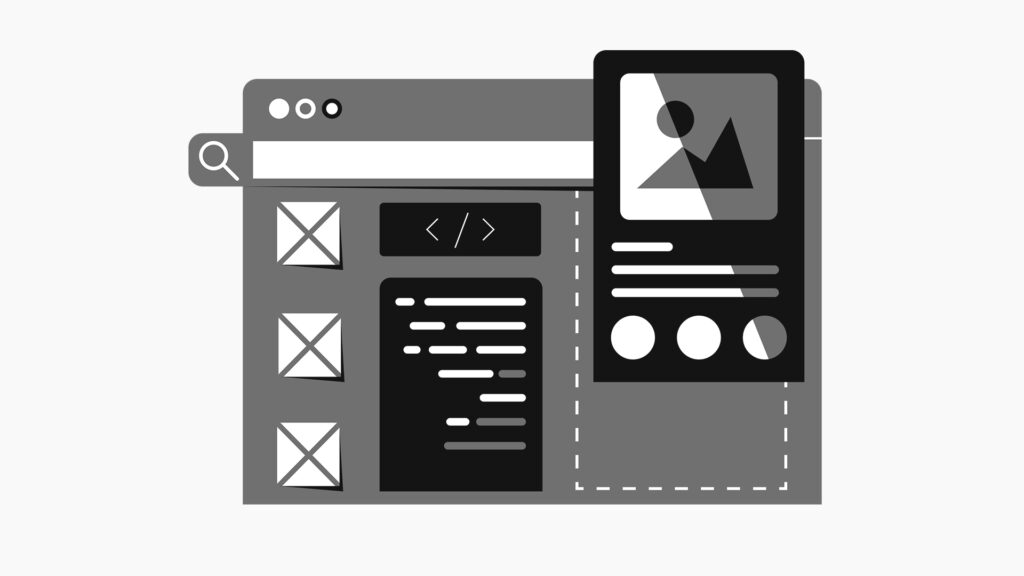
The question arises: What is the real impact of dark mode on UI UX in day-to-day browsing? In simple words, dark backgrounds with light text can feel more comfortable in low-light environments, especially for users whose eyes are sensitive. On OLED screens, it can even save a bit of battery. But dark mode is not automatically better. The impact of dark mode on UI UX heavily depends on contrast, the choice of font you use, spacing, and how clean the layout feels. Bad contrast or tiny fonts turn a sleek interface into a headache fast.
Dark mode design basics that keep visitors comfortable
This is where dark mode design best practices come in. You avoid pure black and pure white combinations that strain the eyes. You pick softer dark tones and slightly off white text. You test line spacing and font weight so content does not feel cramped. You make sure buttons, links and key actions still stand out clearly. When you follow dark mode design best practices, users stay longer, bounce less, and interact more. All those behaviour signals feed into dark mode SEO without you even talking about keywords.
How dark mode connects to SEO and behaviour
Search engines watch how users behave on your pages. If dark mode keeps users reading, scrolling, and tapping through your content, that positive engagement supports dark mode SEO in a very practical way. The impact of dark mode on UI UX is tied directly to things like time on page, scroll depth, and conversions. A pleasant reading experience helps rankings. A poorly implemented theme that confuses users has the opposite effect.
Dark mode on mobile: where users really experience your site
Now look at it from a mobile first angle. A huge share of search traffic already comes from phones, so your dark theme mobile UI cannot be an afterthought. Good mobile-first UX means you design the small screen experience first, then scale it up to tablet and desktop. Text sizes, tap targets, spacing, and contrast need to feel natural on a thumb-driven interface. If users zoom, pinch or squint, the message is clear. The design needs more work.
You also have to think about mobile UI accessibility. Not every user views your website in the same conditions. Someone might be in bright sunlight, another person in a dark room, and another using accessibility features. High enough colour contrast, readable font sizes, and clear focus states are basic requirements for mobile UI accessibility. They become even more important when you are experimenting with darker palettes and layered backgrounds.
Technical side of dark mode, performance and SEO
There is another hidden angle. Dark mode SEO is not only about theme colour. It is also about technical performance. A clean, well-coded theme loads faster and behaves better. Switching between light and dark themes should not flicker, break layouts, or shift content around. When you use CSS prefers colour scheme and efficient assets, your dark mode design best practices support Core Web Vitals. That directly connects design decisions to website user experience optimization and rankings.
Using dark mode to guide focus and local journeys
You can treat dark mode as an opportunity to rethink content hierarchy. The impact of dark mode on UI UX gives you a reason to highlight what really matters. Primary buttons can get a bright accent colour, while secondary actions stay muted. Headings can be slightly larger or bolder. Cards and sections can use subtle shadows or borders so the page does not feel like one big dark block. When users find what they need quickly, you build trust and you help with local user experience optimization as well.
Think about the behaviour flow on a mobile site. A user might land from a local search, open a dark-themed page, scan a headline, skim a few bullets, tap a button, then chat or submit a form. Each micro interaction is influenced by how smooth the dark theme feels. That is the real impact of dark mode on UI UX in a business context. It is not only about looking stylish. It is about guiding visitors step by step without friction.
Role of development in getting dark mode right
From a development side, mobile-first web development supports all of this. You structure HTML cleanly, keep CSS modular, and handle theme toggles at a framework level, not as a last-minute hack. You keep images and icons theme-friendly, so they do not disappear against dark backgrounds. You check dark mode design best practices on multiple devices and browsers so the experience is consistent.
Simple steps to start testing dark mode
So how do you move forward in a practical way? You can start with a simple audit. Look at your current colours, fonts, and components. Ask if users will still recognise buttons, links, and forms after a switch to dark mode. Check line height and paragraph width for comfortable reading. Review analytics to see if there are pages where engagement drops on mobile. That is where dark mode SEO improvements can give you a competitive edge.
Then create a small prototype for a few key pages. Take a sharp look at the home, one service page, and one blog or content page. Apply dark mode design best practices, test contrast, and gather feedback from real users or internal teams. Measure scroll depth, click-through, and form completion. Over time, you can extend the theme across the full site, including navigation, forms, error states, and microcopy.
Winding Up
If all this feels overwhelming, you do not have to figure it out alone. What you need is a specialist partner who understands the impact of dark mode on UI UX, accessibility, analytics, and business goals. In such a case, contact GTECH, a UI UX design company in Dubai, who will help you plan, test, and roll out dark mode SEO strategies that work for real users, from mobile-first UX to detailed website user experience optimization, so your dark mode design supports growth instead of guessing.
Related Post
Publications, Insights & News from GTECH